Google Contacts not syncing after a WhatsApp save?
By Ayaan Motiwala · Published · Updated · Editorial review required after material product changes
Separate saving from synchronization
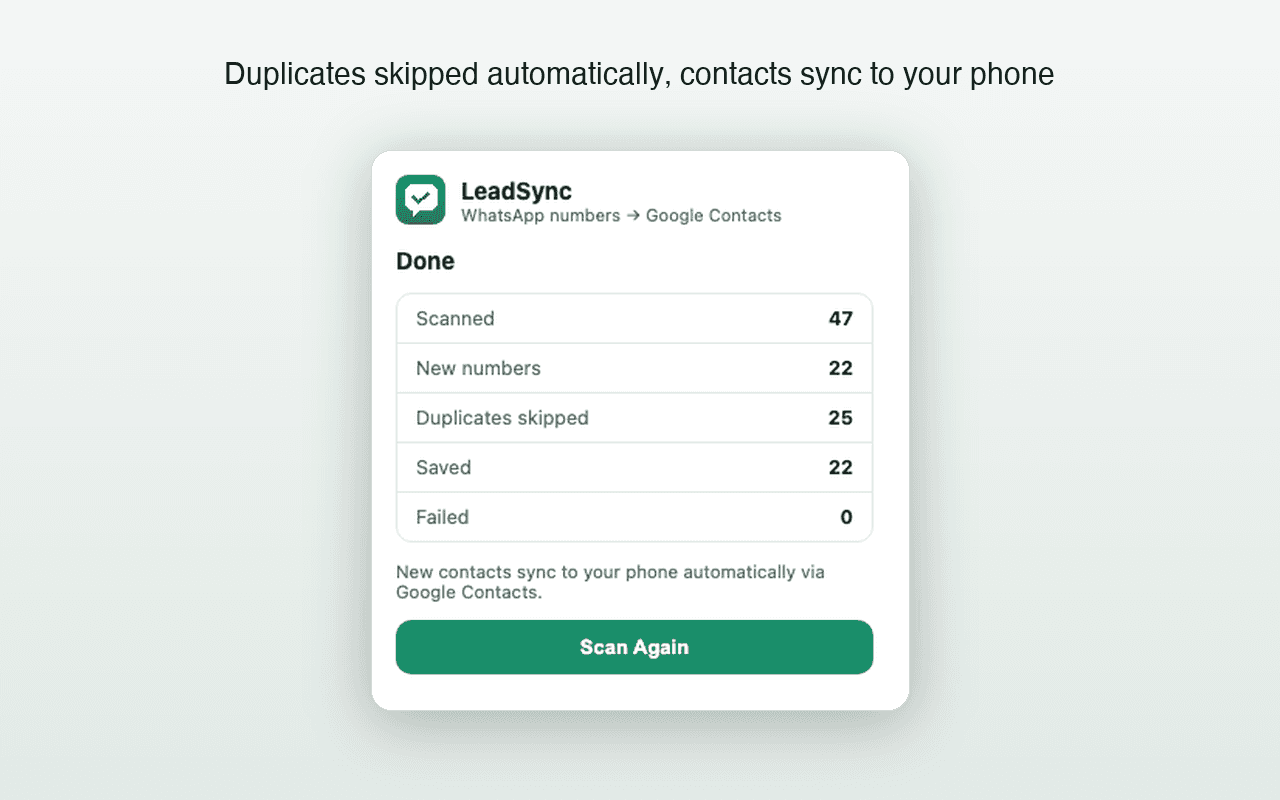
LeadSync writes a new contact to the connected Google account through the Google People API. Google and the phone then handle synchronization. A contact can therefore be saved successfully online while remaining hidden on a device that is using another account, has contact sync disabled, or is showing a filtered list.
1. LeadSync result
Did the result show the number as saved, duplicate, or failed?
2. Google Contacts web
Does the entry exist in the connected account at contacts.google.com?
3. Phone contact view
Is the same Google account syncing and included in the visible contact lists?
If the contact is missing from Google Contacts
- Confirm the Google email shown in the extension is the account you are checking.
- Look at LeadSync’s final result. A duplicate was intentionally not created; search Google Contacts by the normalized phone number.
- If the run reported a failure or expired Google session, reconnect Google and retry the open list.
- Make sure the source number is visibly rendered in the open WhatsApp Web chat or group-member list.
- Review the default country setting when the source number has no explicit international country code.
Android: Google Contacts sync checklist
- Open the phone’s Settings app and locate Accounts, Manage accounts, or Passwords and accounts.
- Select the exact Google account connected to LeadSync.
- Open account synchronization and ensure Contacts is enabled.
- Open the Contacts app and change its account/list filter to include that Google account or all contacts.
- Trigger a manual sync where the device provides that option, then allow time for the account to refresh.
Android labels differ across Google Pixel, Samsung, OnePlus, Xiaomi, and other manufacturers. Use the Settings search for “sync contacts” if the exact menu is different. Google also provides an official Google Contacts synchronization guide.
iPhone: Google Contacts sync checklist
- Open Settings and locate Apps → Contacts → Contacts Accounts, or the equivalent path for your iOS version.
- Add or select the same Google account connected to LeadSync.
- Enable the Contacts switch for that account.
- Open Apple’s Contacts app, choose Lists, and include the Google list rather than viewing only iCloud.
- Close and reopen Contacts after synchronization has had time to complete.
For current menu names, use Apple’s official guide to add or remove contact accounts on iPhone.
Common causes
| Symptom | Likely cause | Next check |
|---|---|---|
| Exists online, missing on phone | Device sync or list filter | Account Contacts toggle and visible lists |
| Not found online | Wrong account, failed save, or undiscovered source | Extension email, final result, and visible source number |
| LeadSync reported duplicate | An equivalent normalized number already exists | Search Google Contacts by digits, not only by name |
| Wrong country format | Source omitted country code and default country was incorrect | Correct settings before retrying an unsaved number |
Frequently asked questions
Why is a saved WhatsApp number not appearing on my phone?
First check contacts.google.com using the same Google account connected to LeadSync. If the contact exists there, LeadSync completed the save and the remaining issue is usually phone account selection, Google Contacts synchronization, an iPhone Contacts toggle, or a filtered contact view.
How do I sync Google Contacts on Android?
Open Android Settings, find Accounts or Passwords and accounts, select the Google account connected to LeadSync, and enable Contacts sync. Menu names vary by phone manufacturer. Then open the Contacts app and ensure it is displaying that Google account.
How do I sync Google Contacts on iPhone?
Add the same Google account under Settings, Apps, Contacts, Contacts Accounts, then enable Contacts for that account. Paths vary by iOS version. In the Contacts app, check Lists and include the Google account rather than viewing only iCloud contacts.
Should I run LeadSync again when a contact is missing from my phone?
Not immediately. Check Google Contacts on the web first. If the contact exists there, repeating the scan should not be necessary and duplicate detection may skip it. Fix device synchronization instead. Rerun only when LeadSync reported a failed save or the contact is absent from Google Contacts.
Still not seeing the contact?
Record whether the contact exists at Google Contacts, the connected Google email, device type, browser version, extension version, and LeadSync result status. Do not send real contact numbers, OAuth tokens, or message content.