The Chrome Extension That Saves WhatsApp Contacts Straight to Google
By Ayaan Motiwala · Published · Updated · Editorial review required after material product changes
If you’ve been searching for a Chrome extension to save WhatsApp contacts, you’ve probably found two kinds: tools that export a CSV file you still have to import, and tools that claim to do more but require shady permissions. LeadSync is neither. It’s a lightweight WhatsApp web contact saver extension that reads unsaved numbers from your WhatsApp Web screen and writes them directly into Google Contacts — no CSV import step, and no contact data sent to LeadSync’s licensing backend.
Why use a Chrome extension instead of a mobile app?
WhatsApp’s mobile app doesn’t expose an API for reading contacts or phone numbers. The only practical way to automate contact saving is through WhatsApp Web, which runs in your browser and displays phone numbers as visible text. A Chrome extension can read that text, compare it against your existing Google Contacts, and save only the new ones — all without leaving the browser tab.
That’s exactly what LeadSync does. No Android or iOS app to install, no root access, no APK sideloading — just a standard Chrome Web Store extension.
What to look for in a WhatsApp contact saver extension
Direct to Google Contacts
The best extensions skip the CSV step entirely and write contacts straight to your Google account so they sync to your phone.
Automatic duplicate detection
Without this, you'll end up with duplicate entries every time you scan the same chat list.
On-device processing
Your WhatsApp data should never leave your browser. Look for extensions that process everything locally.
Minimal permissions
A contact saver only needs access to WhatsApp Web and the Google People API. Be skeptical of extensions that ask for more.
Custom naming
Named contacts (e.g. 'Lead 001', 'Lead 002') are infinitely more useful than raw phone numbers.
Phone sync
Contacts saved to Google should sync to your Android or iPhone automatically — no manual import needed.
How the LeadSync Chrome extension works
LeadSync is a Chrome extension that saves WhatsApp contacts in four steps:
- 1
Install from the Chrome Web Store
One click to add it. No account creation, no onboarding form — just install and open WhatsApp Web.
- 2
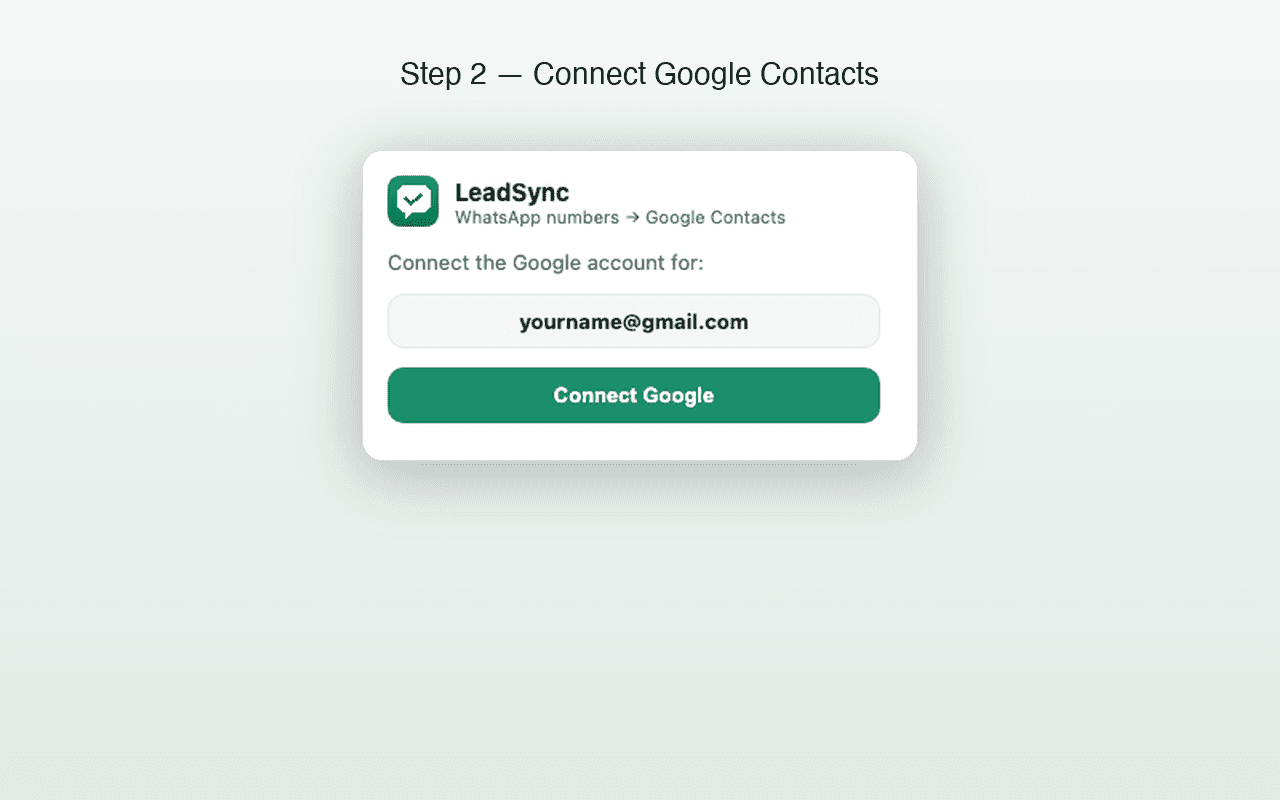
Connect your Google account
Sign in to the Google account where contacts should be saved. LeadSync uses the Google People API — the same API that Google's own apps use.
- 3
Click Scan & Save
LeadSync reads every phone number visible on your WhatsApp Web screen, checks which ones already exist in your Google Contacts, and saves only the new ones with your custom name prefix.
- 4
Contacts sync to your phone
Because contacts go directly into Google Contacts (not a file), they sync to any phone signed in to that Google account — Android or iPhone.
What permissions does LeadSync need?
Transparency matters when an extension touches contacts. Here’s exactly what LeadSync requests and why:
| Permission | Why it’s needed |
|---|---|
| activeTab | Read phone numbers from the WhatsApp Web page you’re viewing |
| identity | Sign in to your Google account via OAuth |
| storage | Remember your preferences (name prefix, sequence number) |
| people.googleapis.com | Write new contacts to your Google Contacts and check for duplicates |
No “read all your browsing history”, no “access all websites” — just the minimum needed for the job. Read the full Privacy Policy →
What LeadSync can’t do
- Recover hidden group numbers — group-member scanning is supported, but LeadSync can save only phone numbers WhatsApp Web visibly renders in the opened member list.
- Firefox or Safari — it’s Chrome-only for now (also works on Chromium browsers like Edge and Brave).
- WhatsApp mobile app — it only works with WhatsApp Web in a desktop browser, not the phone app.
Try the Chrome extension — free for 35 contacts
No credit card, no account creation. Install LeadSync, connect Google, and start saving WhatsApp contacts in under a minute.
Related guides
Frequently asked questions
What kind of tool is LeadSync?
LeadSync is a Chrome extension that acts as an automatic WhatsApp contact saver. It reads unsaved phone numbers from your WhatsApp Web screen and writes them to Google Contacts — without any manual entry.
Does LeadSync send my data to external servers?
No. The extension processes everything inside your browser. Phone numbers go from WhatsApp Web directly to your Google Contacts through Google's People API, using your own Google sign-in credentials. LeadSync operates no backend that touches your data.
Is this extension affiliated with WhatsApp or Google?
No. LeadSync is an independent, third-party tool. It is not endorsed by, connected to, or officially associated with WhatsApp Inc., Meta Platforms, or Google LLC.
How much does the Chrome extension cost?
Nothing for your first 35 contacts — no card required, all features included. If you need unlimited saves, one-time plans start at ₹499.
Can it save numbers from WhatsApp groups?
Yes. Version 1.3.0 scans an opened WhatsApp Web group-member list and saves visible phone numbers that are not already in the connected Google Contacts account. It cannot recover numbers WhatsApp Web does not render.