Reference
Google Contacts Limits: How Many Contacts Can You Store?
By Ayaan Motiwala · Published · Updated · Editorial review required after material product changes
Four different limits get confused with each other whenever someone asks 'how many contacts can I save'. They sit at different layers, and only two of them will ever affect you.
The four limits, separated
| Limit | Value | Applies to | Will you hit it? |
|---|---|---|---|
| Contacts per account | 25,000 | Your Google account as a whole | Very unlikely |
| Data per single contact | 128 KB | One contact's fields, notes and photo | Only with long notes or photos |
| Contacts per import file | 3,000 | A CSV or vCard you import manually | Yes, if you work from files |
| People API request quota | Per-minute, per-account | Any tool writing programmatically | Yes, during a large run |
Google Contacts limits by layer, and how likely each is to matter.
The 3,000-per-file import limit
If your workflow is export-to-file then import, every file is capped at 3,000 contacts. A 7,000-row list means splitting into three files, importing each one, and then dealing with whatever duplicates the imports created between them — because an import has no awareness of what is already in the account.
This is the hidden cost of file-based contact workflows, and it compounds: split, import, merge, re-check. Comparing file routes against direct sync covers the trade-off in full. Writing through the API has no per-file concept at all, so the limit simply does not apply.
People API quotas, and why batching exists
The Google People API enforces per-minute request quotas against your account. A naive client that creates one contact per request will hit that ceiling quickly, start receiving rate-limit errors, and either stall or lose writes.
The correct response is batching: group many contact creations into one request, pace the requests, and retry the ones that come back rate-limited. LeadSync version 1.3.0 creates contacts in batches of up to 200, which is why a large run progresses in visible chunks rather than one contact at a time.
- A run that appears to pause is usually pacing itself against the quota, not frozen.
- Failures are reported in the failed count rather than silently dropped, so you can re-run and pick up the remainder.
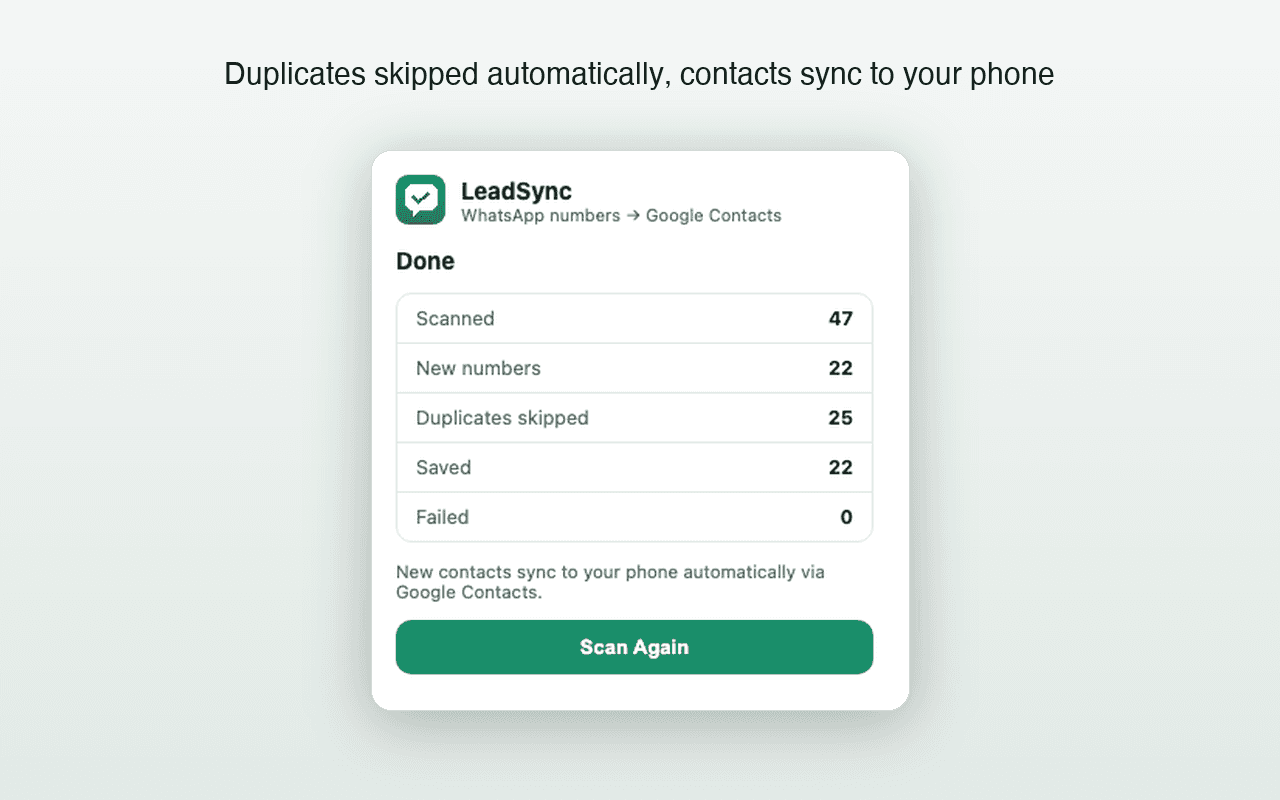
- A second pass over the same list is safe — duplicate checking means it adds only what the first pass missed.
LeadSync's own limits, stated separately
It is worth keeping ours distinct from Google's, because conflating the two is how 'unlimited' becomes a misleading claim:
| Limit | Value |
|---|---|
| Free tier | 35 contacts, no card required |
| Paid contact-count quota | None imposed by LeadSync |
| Google Contacts batch size | Up to 200 per batch |
| Scan safety limit | 8 minutes per scan, then it stops rather than running indefinitely |
| Verified 1,000-contact benchmark | Not yet completed — no promise is made at that scale |
LeadSync's product limits as of version 1.3.0.
Planning a run of several thousand contacts
- 1
Check your current contact count
Google Contacts shows the total in the sidebar. Subtract from 25,000 to confirm you have headroom, which you almost certainly do.
- 2
Clean up before you add, not after
Merging existing duplicates first means the duplicate check on the new run has clean data to compare against. Merge and fix walkthrough.
- 3
Work in passes, not one marathon scan
Scan a well-scrolled portion of the list, let the batches finish, then scan again. The eight-minute limit is a feature here: it keeps a single run bounded and reviewable.
- 4
Read the saved, skipped and failed counts each pass
Skipped means the duplicate check worked. Failed means re-run. Treat these as the signal, rather than assuming a run was complete.
- 5
Verify a sample in Google Contacts before the next pass
Confirm names, prefixes and full international numbers on five contacts. Catching a naming mistake after 200 contacts is much better than after 2,000.
Free tool · no sign-up
Duplicate Phone Number Remover
Strip duplicates from a list of numbers — matching across formats, so the same number written two ways counts once.
Test the workflow on 35 contacts first
The free tier is enough to see exactly how batching, duplicate skipping and sync behave on your own list before committing to a large run.
Frequently asked questions
How many contacts can a Google account hold?
25,000 contacts per account, with a cap of 128 KB of data on any single contact. In practice almost nobody reaches the contact count; the per-contact cap only matters if you store long notes or many photos.
What is the Google Contacts import limit per file?
3,000 contacts per imported CSV or vCard file. A larger list has to be split across multiple files, which is one of the reasons file-based workflows become tedious at scale.
Do Google's limits apply to LeadSync?
Yes — they are limits on your Google account, so they apply to anything writing to it. LeadSync does not impose a contact-count quota of its own on paid plans, but your account still tops out at Google's 25,000 and is still subject to People API rate limits.
Why does a large save slow down partway through?
Usually Google's API rate limiting. A client that keeps hammering through a rate limit gets errors; the correct behaviour is to batch, pace and retry, which is slower but completes. LeadSync creates contacts in batches of up to 200 for this reason.
Keep reading
High-volume guide
How to Bulk Save WhatsApp Contacts to Google Contacts
Verified limits, batching behavior, duplicate checks, and an honest answer about saving hundreds or 1,000 contacts.
Contacts hygiene
How to Find and Merge Duplicate Google Contacts
Google's merge tool, the near-duplicates it misses, and how to stop new duplicates appearing after a bulk contact save.
Groups
How to Export WhatsApp Group Members to Your Contacts
What a group member list actually exposes, how to save every visible number to Google Contacts, and the numbers no tool can reach.