Troubleshooting
WhatsApp Web Not Showing Phone Numbers? Here's Why
By Ayaan Motiwala · Published · Updated · Editorial review required after material product changes
This is the most common confusion with every WhatsApp contact tool, so it is worth separating the causes properly. Three of them are fixable in under a minute. One of them is not fixable by anybody, and knowing which is which prevents a lot of wasted effort.
The rule WhatsApp actually follows
WhatsApp decides what to display for a chat or participant in a fixed order of preference:
- 1Your saved contact name, if that number is in the address book synced to your WhatsApp account.
- 2The person's own profile name (their 'push name'), if they have set one and are not in your contacts.
- 3The raw phone number, only when neither of the above is available.
So a raw number on screen is the *fallback*, not the default. Seeing fewer numbers over time is the expected result of saving more contacts, and it means the system is working.
Cause by cause, and what to do
| What you see | Cause | What to do |
|---|---|---|
| A contact name instead of a number | That number is already saved in the address book synced to your WhatsApp. | Nothing to do. They are already saved, which is why the number is hidden. |
| A push name instead of a number | Not in your contacts, but they have set a profile name and WhatsApp prefers it. | Open the individual chat. The number is often rendered in the chat header or contact info panel even when the list shows a name. |
| An empty or short member list | WhatsApp Web renders participants lazily; unscrolled members are not in the page. | Scroll the member list to the bottom until it stops growing, then run the scan. |
| Numbers disappear partway down a long list | The list was scrolled faster than WhatsApp Web could render, leaving gaps. | Scroll back up and down more slowly, then re-run. Duplicate checks make a second pass safe. |
| No numbers anywhere, after a device change | WhatsApp Web session is stale, or contact sync from the phone has not completed. | Reload WhatsApp Web, confirm the phone is online, and let contact sync finish. |
| Numbers visible on the phone but not on Web | The phone reads the device address book directly; Web does not have that access. | Expected difference. Web shows only what the linked session provides. |
Each reason numbers go missing on WhatsApp Web, and whether it can be resolved.
The quick fixes, in order
- 1
Confirm the chat list is fully scrolled
Scroll the chat list from top to bottom once. Anything you have not scrolled past has not been rendered, and an unrendered chat is invisible to everything — including you.
- 2
Reload WhatsApp Web
A long-lived session can hold a stale participant list. A plain page reload rebuilds it from the linked device.
- 3
Check the phone is online and synced
WhatsApp Web mirrors a linked phone. If that phone is offline or mid-sync, lists can render incompletely.
- 4
Open the individual chat for a stubborn contact
A push name in the list often becomes a visible number in the chat header or the contact info panel. This is the single most useful trick for one-off lookups.
- 5
Rule out the extension last, not first
If numbers are not visible to you with the extension disabled, the problem is upstream of the extension. What the scanner can and cannot see documents the boundary.
What this means for a contact-saving run
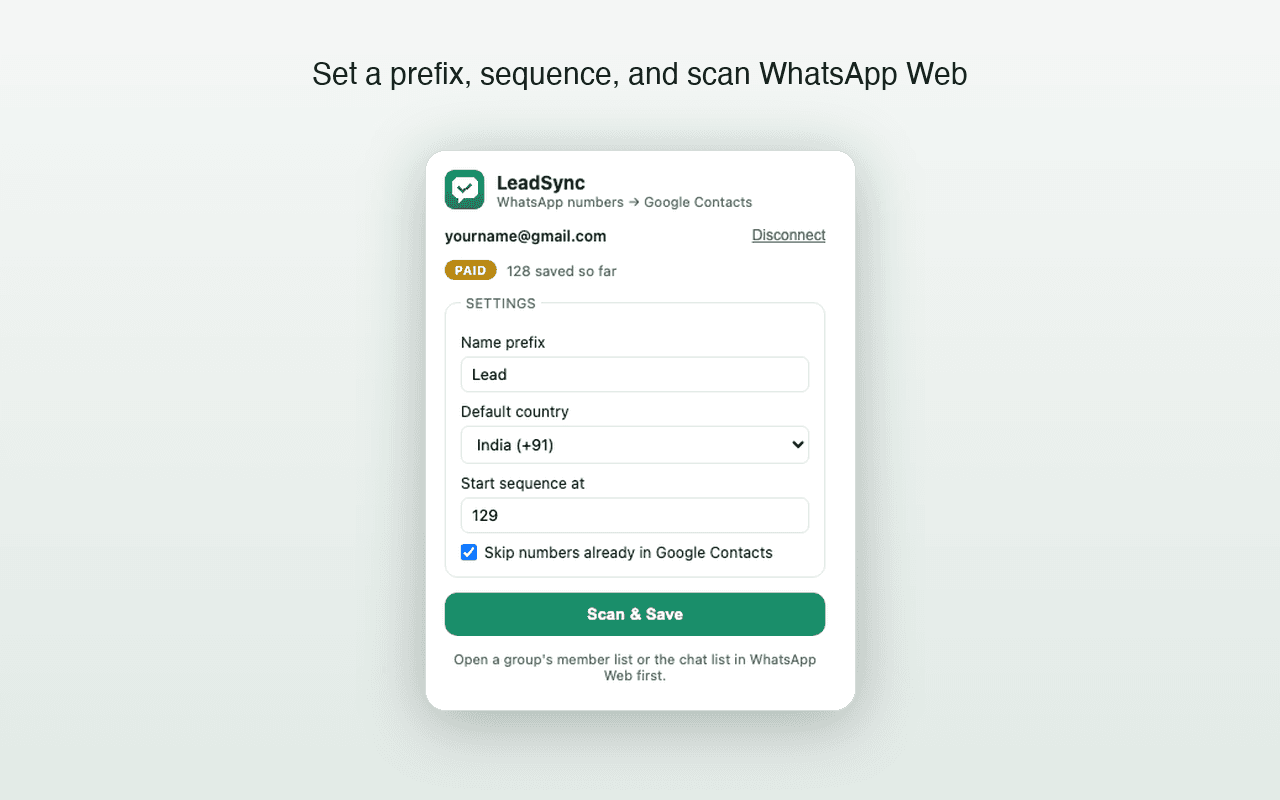
A realistic expectation for any WhatsApp contact saver, including LeadSync:
- You will save the numbers of people you have not already saved. That is the entire addressable set.
- Members shown as names are skipped, and should be — saving them again would create duplicates.
- A scan on a well-scrolled list finds everything rendered. A scan on an unscrolled list finds very little, and the list, not the tool, is the variable.
- Repeat scans are safe. LeadSync compares against the connected Google Contacts account before writing, so a second pass only adds what the first one missed.
Save the numbers that are visible
LeadSync reads the rendered chat list or member list on your own device and writes new numbers straight to Google Contacts. First 35 contacts free, no card.
Frequently asked questions
Can any extension reveal a WhatsApp number that is hidden?
No. A browser extension can only read what the page has rendered. If WhatsApp Web displays a saved name or a push name and never writes the number into the page, there is nothing to read. Any tool claiming otherwise is misrepresenting what it does.
Why did numbers show yesterday and names today?
Almost always because those contacts were saved in between — by you, by a sync from another device, or by a contact saver run. Once a number maps to a saved contact, WhatsApp switches to showing the name.
My group member list is completely empty. What now?
Scroll the list. WhatsApp Web renders participants lazily, so an unscrolled list is genuinely empty in the page. If scrolling does not populate it, reload WhatsApp Web and reopen group info.
Does a hidden number mean LeadSync failed?
No. A run that skips members shown as names is working correctly — those people are already in your address book, which is precisely why their number is not displayed.
Keep reading
Groups
How to Export WhatsApp Group Members to Your Contacts
What a group member list actually exposes, how to save every visible number to Google Contacts, and the numbers no tool can reach.
How-to
How to Save Unknown WhatsApp Numbers to Google Contacts Automatically
Step-by-step guide to saving unknown WhatsApp chat numbers directly into Google Contacts. Honest group-chat FAQ included.
Troubleshooting
Google Contacts Not Syncing After a WhatsApp Save?
A practical Android and iPhone checklist for contacts that exist in Google but have not appeared on the phone.