Reference
WhatsApp Click-to-Chat Links: The Complete wa.me Guide
By Ayaan Motiwala · Published · Updated · Editorial review required after material product changes
Click-to-chat links are WhatsApp's own officially supported way to start a conversation without either party saving the other's number. They work from a website, an Instagram bio, an email signature, a printed poster or a QR code. The format is simple and the failure modes are all formatting mistakes.
The format
https://wa.me/ followed by the full international number as digits only. No +, no spaces, no dashes, no brackets, no leading zero.| Link | Works? | Why |
|---|---|---|
https://wa.me/919876543210 | Yes | Country code present, digits only. |
https://wa.me/+919876543210 | No | The + is not valid in the path. |
https://wa.me/91 98765 43210 | No | Spaces break the URL. |
https://wa.me/9876543210 | No | No country code — resolves to the wrong account or none. |
https://wa.me/91098765 43210 | No | Leading zero kept as well as the country code. |
https://wa.me/91-98765-43210 | No | Dashes are not stripped. |
Correct and incorrect click-to-chat links for one Indian mobile number.
The leading-zero mistake is the one that catches people in India, the UK, Germany and Australia, because the zero is how the number is written domestically. It is a dialling prefix, not part of the number, and the country code replaces it. The country-by-country rules.
Free tool · no sign-up
WhatsApp Link Generator
Turn a phone number into a wa.me link that opens a WhatsApp chat — with an optional message already typed for them.
Pre-filling a message
Append ?text= with a URL-encoded message and WhatsApp opens with that text already in the message box. The person still has to press send, and can edit or delete it first.
- Plain:
https://wa.me/919876543210?text=Hi - With spaces encoded:
https://wa.me/919876543210?text=Hi%2C%20I%20saw%20your%20listing - Spaces become
%20, a comma becomes%2C, a newline becomes%0A, an ampersand becomes%26.
An unencoded space or ampersand is the second most common reason a link misbehaves — the message gets truncated at the first unencoded character. A generator handles the encoding so you do not have to think about it.
What to put in the pre-filled text
The useful trick is to make the message identify the source, so you know where an enquiry came from before you reply:
- On a product page:
Hi, I'm interested in the [product name]— you learn which product from the message itself. - In an Instagram bio:
Hi, I found you on Instagram— attribution with no tracking. - On a printed poster or table card:
Hi, I'm at the Andheri store— location attribution. - Keep it short. A long pre-filled paragraph reads as automated and gets deleted before sending.
wa.me, api.whatsapp.com and the rest
| URL | Use |
|---|---|
wa.me/<number> | The standard short form. Use this one. |
api.whatsapp.com/send?phone=<number>&text=<msg> | The older long form. Still works; identical behaviour, uglier link. |
wa.me/message/<code> | A WhatsApp Business short link with a code generated inside the app. |
wa.me/qr/<code> | The QR variant of a Business short link. |
whatsapp://send?phone=<number> | An app-only deep link. Does not fall back to the web, so avoid it in public links. |
The click-to-chat URL variants and when each is appropriate.
Use wa.me. It is short, officially supported, and falls back to WhatsApp Web on desktop rather than failing when the app is not installed.
Turning a link into a QR code
A QR code is just an encoded URL, so any QR generator will take a wa.me link. Three practical points:
- 1Test the printed code at the actual size and distance it will be scanned from. A code that works on screen can fail at 2cm on a table card.
- 2Keep the URL short so the code stays low-density and scannable. A long pre-filled message makes a visually dense code.
- 3Avoid a third-party shortener in front of it. If that service ever disappears, every printed copy stops working, whereas a direct
wa.melink does not depend on anyone but WhatsApp.
Generating many links at once
If you have a list of numbers and need a link per row — for a spreadsheet of enquiries, a directory, or a set of per-branch contact buttons — generate them in bulk rather than by hand. Hand-building these is exactly where format mistakes creep in.
Free tool · no sign-up
Bulk WhatsApp Link Generator
Paste a whole list of numbers and get a click-to-chat link for each one, ready to copy or download.
When a link does not open
- 1Check the country code. By far the most common cause. The number must be the full international form.
- 2Strip every non-digit from the number part —
+, spaces, dashes, brackets, dots. - 3Drop the domestic leading zero if your country uses one (India, UK, Germany, Australia and many others).
- 4URL-encode the message. An unencoded space or
&truncates it. - 5Confirm the number has WhatsApp. A valid link to a number with no WhatsApp account shows an error, and nothing about the link is wrong.
- 6Test on a desktop too.
wa.meopens WhatsApp Web there, which is a useful way to confirm the link itself is correct independently of a phone's app state.
Keep the numbers behind your links organised
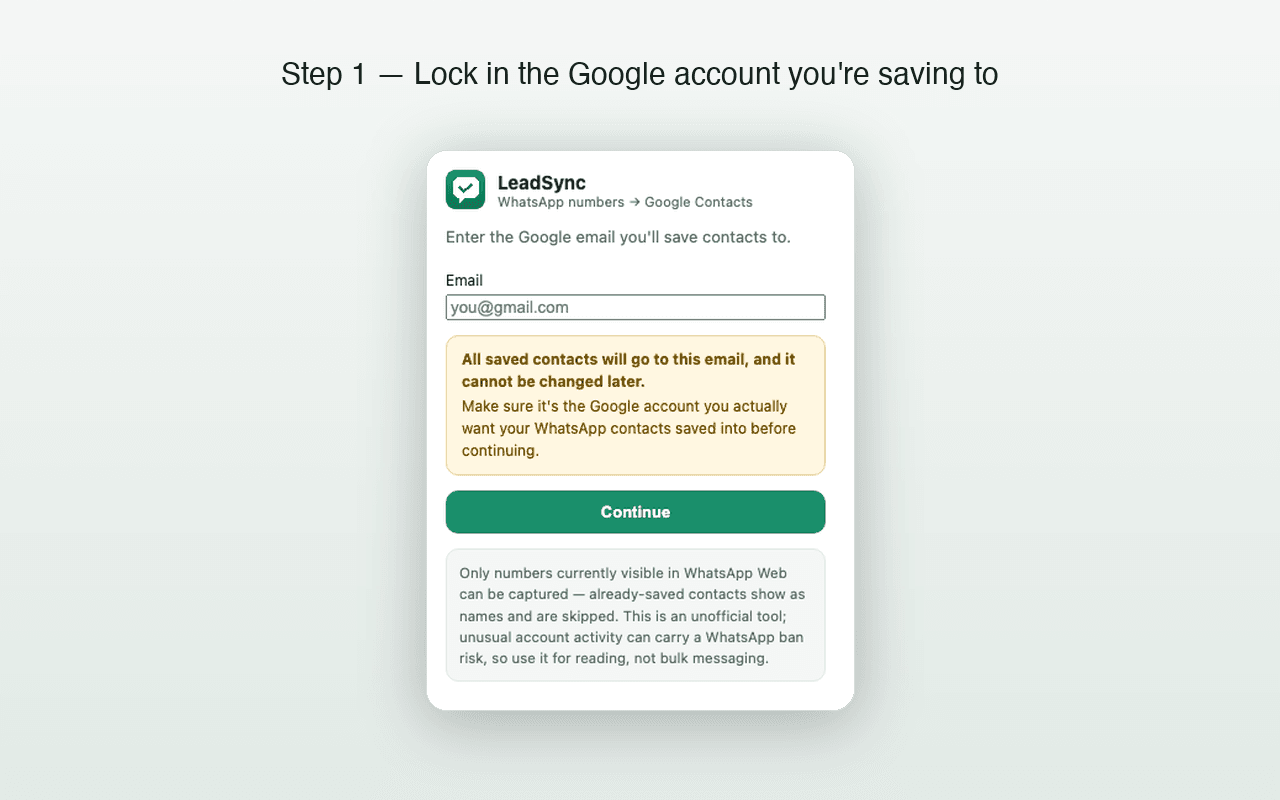
LeadSync saves the WhatsApp numbers you already talk to into Google Contacts, with country codes applied and duplicates skipped. First 35 contacts free.
Frequently asked questions
What is the correct wa.me link format?
https://wa.me/919876543210 — the full international number with the country code, as digits only. No plus sign, no spaces, no dashes, no brackets, and no leading zero from domestic dialling.
Can I pre-fill a message in a WhatsApp link?
Yes. Append ?text= and a URL-encoded message: https://wa.me/919876543210?text=Hi%2C%20I%20saw%20your%20listing. The text appears in the message box ready to send, and the person can edit or delete it before sending.
Does a wa.me link work without saving the number?
Yes, and that is the main reason to use one. Neither party needs the other's number in their contacts for the chat to open, which makes these links ideal for a website, a bio or a printed QR code.
Why isn't my WhatsApp link working?
In order of likelihood: a missing country code, a plus sign or spaces left in the number, a leading zero that should have been dropped, a message in ?text= that was not URL-encoded, or a number with no WhatsApp account on it.
Keep reading
Reference
WhatsApp Number Formats: Country Codes, E.164 and What Breaks
Why 09876543210 and +919876543210 behave differently, what E.164 is, and the formatting rules that keep saved contacts working.
Business
WhatsApp Business Contact Management Without a CRM
Labels, naming conventions and a Google Contacts backbone that work for a one-person business — and the point where a CRM becomes the right answer.
Groups
How to Export WhatsApp Group Members to Your Contacts
What a group member list actually exposes, how to save every visible number to Google Contacts, and the numbers no tool can reach.