Buyer's guide
Free WhatsApp Contact Saver: What 'Free' Actually Means
By Ayaan Motiwala · Published · Updated · Editorial review required after material product changes
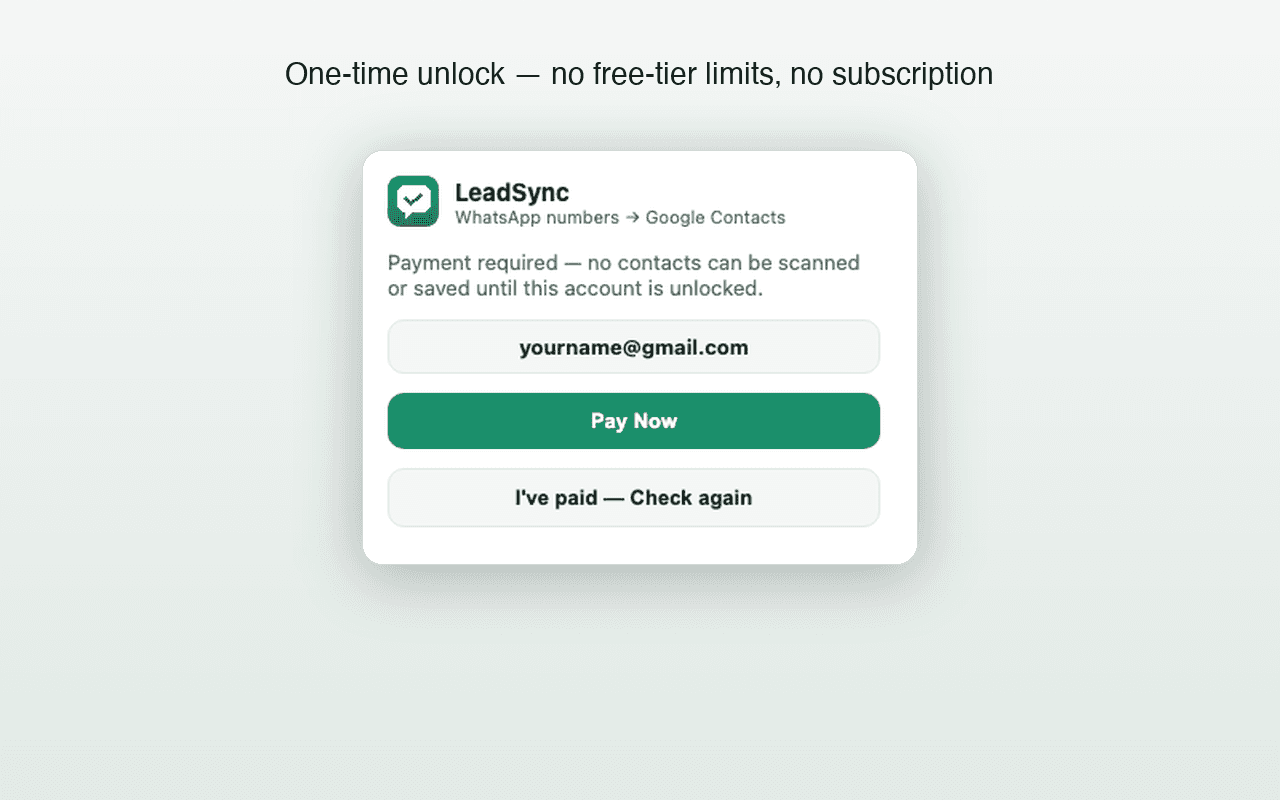
'Free' describes a price, not a product, and in this category it hides four very different arrangements. Knowing which one you are looking at tells you what the catch is before you install anything that can read your WhatsApp Web session.
The four kinds of free
| Kind | How it is funded | What to check |
|---|---|---|
| A capped free tier | Paid upgrades from people who exceed the cap. | What the cap is, whether a card is required up front, and whether the paid plan is one-time or recurring. |
| Ad-supported | Ads in the extension or injected into pages. | Whether ads are injected into WhatsApp Web itself, and what tracking the ad network adds. |
| Data-monetised | The data it reads, aggregated or resold. | Where processing happens, what is uploaded, and what the privacy policy permits. This is the category to be careful about. |
| Genuinely free utility | Nothing — a narrow tool someone wrote and published. | Whether it is maintained, and that its scope is narrow enough not to need funding. |
What 'free' usually means for a WhatsApp contact saver, and what to check in each case.
How to judge one in five minutes
- 1
Read the permission list on the Store page
A contact saver needs to read WhatsApp Web and, if it writes to Google, to talk to Google's API. It does not need access to all your browsing data, your downloads, or unrelated sites. Permissions well beyond the stated purpose are the clearest warning available to you, and they are listed before you install.
- 2
Find out where processing happens
Look for a plain statement about whether scanning runs in your browser or on a server. Vagueness here is itself an answer. For comparison, LeadSync's permission list with the reason for each one.
- 3
Check whether there is a named operator
An identifiable developer with a support address and a real website has something to lose by misbehaving. An anonymous publisher does not.
- 4
Work out what the paid version costs, before you need it
A free tier attached to a surprise subscription is a worse deal than a clearly priced one-time upgrade. Find the pricing page before you start, not after you hit the cap.
- 5
Check what the output actually is
A file exporter and a direct-sync tool solve different problems. If you want contacts in your phone, a CSV is extra work; if you want a spreadsheet, direct sync is useless to you. How the output formats differ.
- 6
Test on a handful before trusting it with hundreds
Run it on a few numbers, open your address book, and check the format and the duplicate behaviour yourself. A tool that writes numbers without country codes will quietly cost you an afternoon later.
Where LeadSync sits, stated plainly
We are the first row of that table — a capped free tier — and the specifics are these:
- 35 contacts free, no card, no trial clock. Enough to run a real chat list and judge the result.
- Paid access is one-time, from ₹499 in India or $9 internationally. There is no subscription, and no recurring charge to cancel.
- Scanning happens on your device. No LeadSync server receives, stores or processes your WhatsApp contacts.
- It writes to your own Google account through the official People API with your own sign-in, and you can revoke that access in your Google settings whenever you want.
- It is read-only. It never reads message contents and never sends messages.
- A named operator. Built and supported by one developer, identified on the about page, who answers the support email himself.
What the free tier does not get around
Limits that apply to the paid version too, so you are not surprised later:
- No CSV, Excel, vCard or JSON export. Contacts go to Google Contacts directly, and file export is not a feature.
- It cannot reveal hidden numbers. Only what WhatsApp Web visibly renders can be read, by us or anyone. Why numbers go missing.
- Desktop Chrome only. There is no mobile-browser scanning, because mobile browsers do not support the extension model this needs.
- No messaging, broadcasts or marketing automation, ever.
- No verified 1,000-contact benchmark yet. That test is pending, so we do not claim a result for it. What is verified.
Things that genuinely are free, with no tier
Separately from the extension, the utilities below run entirely in your browser, require no sign-up, and upload nothing. They are free because they are narrow enough to cost nothing to run:
Free tool · no sign-up
WhatsApp Link Generator
Turn a phone number into a wa.me link that opens a WhatsApp chat — with an optional message already typed for them.
Free tool · no sign-up
Phone Number Formatter
Clean up a messy list of numbers into proper international format, and see which ones look wrong.
Free tool · no sign-up
Duplicate Phone Number Remover
Strip duplicates from a list of numbers — matching across formats, so the same number written two ways counts once.
If your task is covered by one of those, use it and install nothing. All five free tools.
Start with the 35 free contacts
No card, no trial countdown. Run it on your own chat list and judge the output before you decide anything.
Frequently asked questions
Is there a completely free WhatsApp contact saver?
There are free tools, but 'free and unlimited and private and maintained' is a combination that rarely holds, because someone is paying for the maintenance. Capped free tiers and genuinely free narrow utilities are the two honest shapes. Treat an unlimited free tool with no visible business model as the one needing the most scrutiny.
How much of LeadSync is free?
The first 35 contacts, with no card and no trial clock. After that, paid access is a one-time payment from ₹499 in India or $9 internationally. There is no subscription.
Are free WhatsApp contact extensions safe?
It depends entirely on where the processing happens and what permissions are requested. A tool that reads the page in your browser and writes to your own account is a much smaller risk than one that uploads contact lists to a server. Check the permission list and the privacy policy before installing anything that can read WhatsApp Web.
Why not just save contacts manually for free?
For a handful of numbers, do exactly that — it is genuinely the right answer and costs nothing. These tools earn their place at a few dozen numbers and above, where manual saving takes hours and introduces typos.
Keep reading
Comparison
Best WhatsApp Contact Saver Chrome Extension in 2026: An Honest Look
Comparing CSV exporters, vCard generators, and direct-to-Google savers. Evaluation criteria table and honest limitations disclosed.
Chrome guide
The Chrome Extension That Saves WhatsApp Contacts Straight to Google
Why Chrome is the right platform, what to look for in a WhatsApp contact saver extension, permissions explained, and setup guide.
Comparison
vCard vs CSV vs Direct Sync: Which Contact Method to Use
Three ways to get numbers into an address book, what each one loses, and which to pick for a phone book versus a spreadsheet.