Backup
How to Back Up WhatsApp Contacts (Not Just Chats)
By Ayaan Motiwala · Published · Updated · Editorial review required after material product changes
Two different backups, often confused
| WhatsApp chat backup | Contacts backup | |
|---|---|---|
| Covers | Messages, media, settings | Names, numbers, emails, notes |
| Stored in | Google Drive (Android) or iCloud (iOS) | Google Contacts or iCloud Contacts |
| Set up by | WhatsApp, Settings, Chats, Chat backup | Your phone's account sync settings |
| Restores onto | A fresh WhatsApp install, same number | Any device signed into the account |
| Includes contact names | No | Yes |
| Includes unsaved chat numbers | The chat, but no contact record | No — they were never contacts |
What each backup actually covers.
The practical consequence is worth stating concretely: restore a chat backup onto a new phone with an empty address book and you get every message you ever sent, attached to a list of bare phone numbers. The conversations survive and the identities do not.
What actually needs backing up
Three populations, in increasing order of risk:
- 1Contacts in a Google or iCloud account. Already backed up. Nothing to do, though verifying is worth two minutes.
- 2Contacts on the device or SIM. Not backed up anywhere. Lost with the phone, lost in a factory reset, and invisible to every sync. Move them into an account.
- 3Unsaved WhatsApp chat numbers. Not contacts at all, so in no backup of any kind. The highest-risk group, and the one people only notice once a chat is gone.
Backing up all three properly
- 1
Audit where your contacts currently live
On Android: Contacts app, Settings, 'Contacts to display'. On iPhone: Contacts app, Groups. Any sizeable 'Device', 'Phone', 'On My iPhone' or 'SIM' group is unbacked-up data.
- 2
Move device and SIM contacts into a Google account
On Android, import from SIM then export to the Google account from the Contacts app's settings. On iPhone, export all contacts as a vCard and import it at contacts.google.com.
- 3
Save the unsaved WhatsApp numbers
This is the step with no alternative. Open WhatsApp Web on a desktop, scroll the chat list fully, and save every unknown number into the Google account. Until a number is a contact, no backup covers it.
- 4
Verify in a browser, not on the phone
Open contacts.google.com and check the total and a handful of entries. The phone's list can be filtered and will mislead you about what is actually stored.
- 5
Merge duplicates while you are here
SIM and device imports create duplicates reliably. Run Merge & fix once. How to do it properly.
- 6
Export a vCard for independent safekeeping
At contacts.google.com, Export, vCard. Keep the file somewhere that is not the same account. This protects you against losing access to the account itself, which account-side sync does not.
- 7
Set the chat backup separately
WhatsApp, Settings, Chats, Chat backup. Choose a frequency and confirm it has actually run recently. Messages and contacts are independent jobs and both need doing.
The undo feature worth knowing about
Google Contacts keeps a 30-day restore history: at contacts.google.com you can roll the whole address book back to an earlier state. This is the safety net that makes bulk operations reasonable to attempt — a bad import or an over-enthusiastic merge is reversible for a month.
It is also a reason to do bulk contact work on a Google-backed address book rather than a device-only one, where no equivalent exists.
Back up in a format that will still parse later
If you keep your own export file, prefer vCard over CSV. A vCard preserves field types, and a CSV opened in a spreadsheet will strip the + from international numbers and may convert long values to scientific notation with permanent digit loss. A backup whose numbers are silently corrupted is worse than no backup, because you will trust it.
- Export as vCard from Google Contacts for archiving.
- If you must work in CSV, format the phone column as text before opening it, and store numbers in full international form.
- How the formats compare, and the formatting rules.
Free tool · no sign-up
Phone Number Formatter
Clean up a messy list of numbers into proper international format, and see which ones look wrong.
Test the restore before you need it
An untested backup is a hope. Two checks that take five minutes:
- 1Sign into the Google account on a second device, or in a browser you do not normally use, and confirm the contacts are there. If they only exist on your usual phone, they are not backed up.
- 2Open your exported vCard in a plain text editor and check a few numbers still carry their
+and country code. This catches format corruption before it matters.
Back up the numbers that are not contacts yet
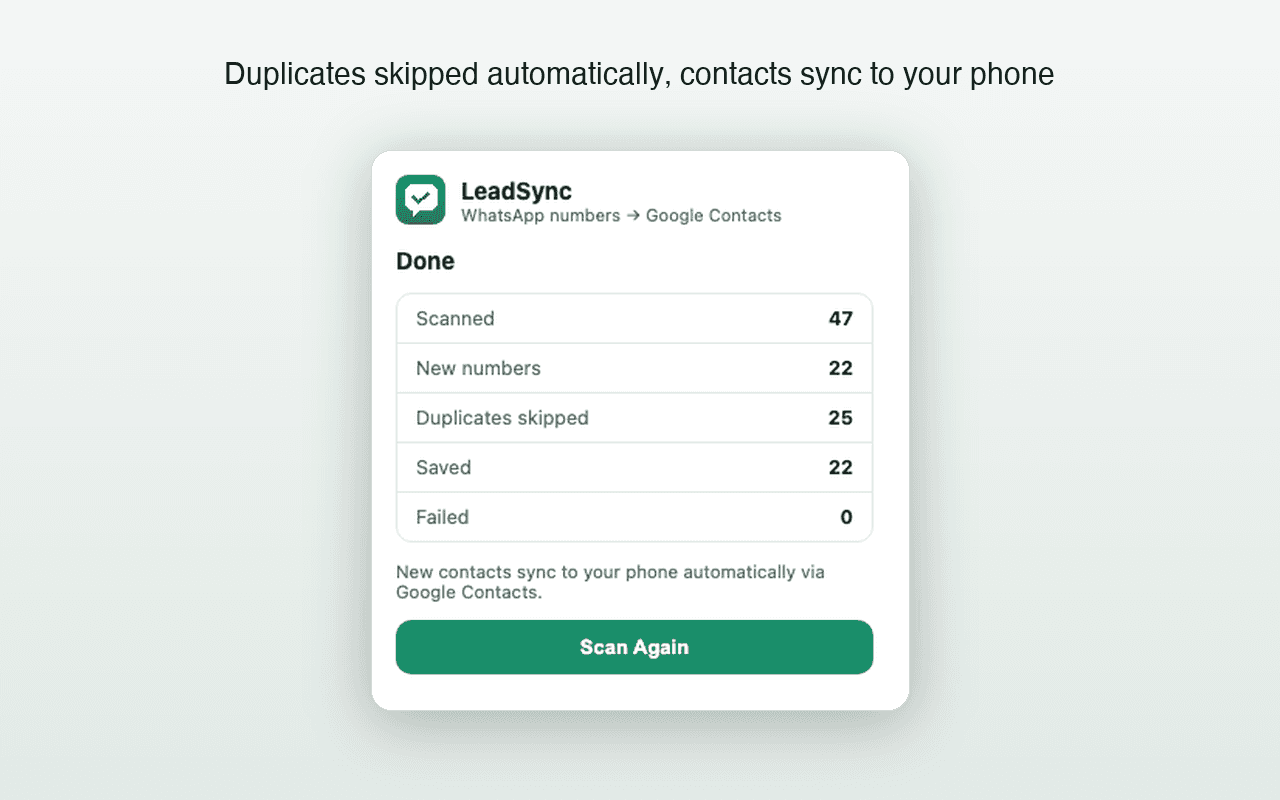
LeadSync turns unsaved WhatsApp Web numbers into real Google contacts, which is what brings them inside a backup at all. First 35 contacts free.
Frequently asked questions
Does a WhatsApp backup include contacts?
No. A WhatsApp backup covers messages, media and settings. Contacts come from your phone's address book, which WhatsApp reads but does not own or back up. Restoring a chat backup onto an empty phone gives you conversations with raw phone numbers and no names.
How do I back up contacts that only exist as WhatsApp chats?
You cannot back them up, because they are not contacts — they are chats with an unsaved number. Save them into a Google account first and they are then covered by that account's backup. Until you do, clearing the chat loses the number.
Is Google Contacts a backup on its own?
Largely yes, and better than most alternatives: it is stored server-side, available from any signed-in device, and it keeps a 30-day restore history so you can undo a bad bulk change. For full independence, export a vCard periodically and keep it somewhere you control.
How do I verify a contact backup actually works?
Open contacts.google.com or iCloud.com in a browser rather than trusting the phone's list, and confirm the count and a sample of entries. A phone's Contacts app can be filtered to one account and will happily show contacts that are not backed up anywhere.
Keep reading
Migration
How to Transfer WhatsApp Contacts to a New Phone
Why WhatsApp has no contact list of its own, which contacts silently fail to move, and how to catch the unsaved numbers before you switch.
Contacts hygiene
How to Find and Merge Duplicate Google Contacts
Google's merge tool, the near-duplicates it misses, and how to stop new duplicates appearing after a bulk contact save.
Android
How to Save WhatsApp Contacts on Android (Without Typing Them)
Why Android's contact list is really Google Contacts, how to use that, and the sync settings that decide whether new contacts appear.