Migration
How to Transfer WhatsApp Contacts to a New Phone
By Ayaan Motiwala · Published · Updated · Editorial review required after material product changes
Find out where your contacts actually live
Before moving anything, work out which of three buckets each contact is in. Only the first one moves on its own:
| Stored in | Moves to a new phone? | How to tell |
|---|---|---|
| A Google or iCloud account | Yes — sign into the account and they arrive. | The contact shows an account name when you open it, and it appears at contacts.google.com or iCloud.com. |
| The device itself | No. Lost with the phone, and lost in a factory reset. | Labelled 'Device', 'Phone' or 'On My iPhone' in the contact's account field. |
| The SIM card | Only if you physically move the SIM and import from it. | Labelled 'SIM'. Severely limited fields — usually one number, a short name. |
The three storage locations for phone contacts, and whether each survives a phone change.
On Android, open the Contacts app's settings and look at 'Contacts to display' to see the breakdown. On iPhone, open the Contacts app, tap Groups, and see which accounts are listed. A large 'Device' or 'On My iPhone' group is a warning sign worth fixing now rather than after the switch.
The fourth bucket nobody counts: unsaved chats
There is a category that is not in any of those three rows, and it is usually the one people actually mind losing: the WhatsApp chats showing a raw phone number because you never saved them. A supplier you spoke to twice, someone who enquired about a flat, the person who sent a quote last month.
Those are not contacts. They are chats. Restoring a chat backup on a new phone restores the conversation but the number still has no name, no address book entry, and no presence in any account — and if you ever clear that chat, it is gone entirely.
Saving them is the only way to keep them, and the moment before a phone change is the right time to do it. A desktop contact saver can do a whole chat list at once: the full walkthrough.
The migration, in the order that works
- 1
Save the unsaved numbers first, on the old phone's account
Open WhatsApp Web on a desktop while the old phone is still linked and working, scroll the chat list fully, and save every unknown number into your Google account. This is the only step that is impossible to do after the switch.
- 2
Move device-only and SIM contacts into the Google account
On Android: Contacts app, Settings, Import, choose SIM or .vcf, then Export to the Google account. On iPhone: change each device contact's account, or export all contacts as a vCard and import that into Google Contacts.
- 3
Verify on the web, not on the phone
Open contacts.google.com and confirm the total count looks right. The web view is the authoritative one — a phone's list can be filtered and mislead you.
- 4
Merge duplicates before you migrate, not after
Imports from a SIM and a device almost always create duplicates. Use Merge & fix now, while the list is small enough to review. Merge walkthrough.
- 5
Normalise number formats
Add country codes while you are in there. A number stored as
9876543210will not match a WhatsApp account reliably once you change country or SIM. Formatting rules. - 6
Sign the new phone into the same Google account
On Android, enable Contacts sync for it. On iPhone, add it under Settings, Apps, Contacts, Contacts Accounts and turn Contacts on. iPhone setup detail.
- 7
Install WhatsApp and grant contacts permission
WhatsApp needs address book access to match names to chats. Without it, every chat shows a raw number no matter how good your migration was.
- 8
Spot-check ten chats
Open WhatsApp and confirm names are resolving. Any chat still showing a number is one whose contact did not make it, and you can fix it individually.
Android to iPhone, and back
Cross-platform moves are where people reach for migration apps and file exports. You usually do not need either:
- Android to iPhone: get everything into the Google account on Android, then add that Google account to the iPhone as a contacts source. No file, no transfer app, and both phones stay in step if you run them in parallel for a while.
- iPhone to Android: if contacts are in iCloud, export them from iCloud.com as a vCard and import that file into Google Contacts. Then the Android phone picks them up from the account.
- Either direction: a Google account is the lowest-friction common ground, because both platforms read it natively and neither needs a file.
After the move
- 1Check the Contacts app is not filtered to a single account, which makes a successful sync look like a failure.
- 2If contacts are in Google but absent on the phone, work through the sync checklist.
- 3Run Merge & fix once more — the new phone may have added its own entries during setup.
- 4Make saving unknown numbers a routine rather than a pre-migration panic. The whole problem exists because unsaved chats accumulate for years.
Save the unsaved numbers before you switch
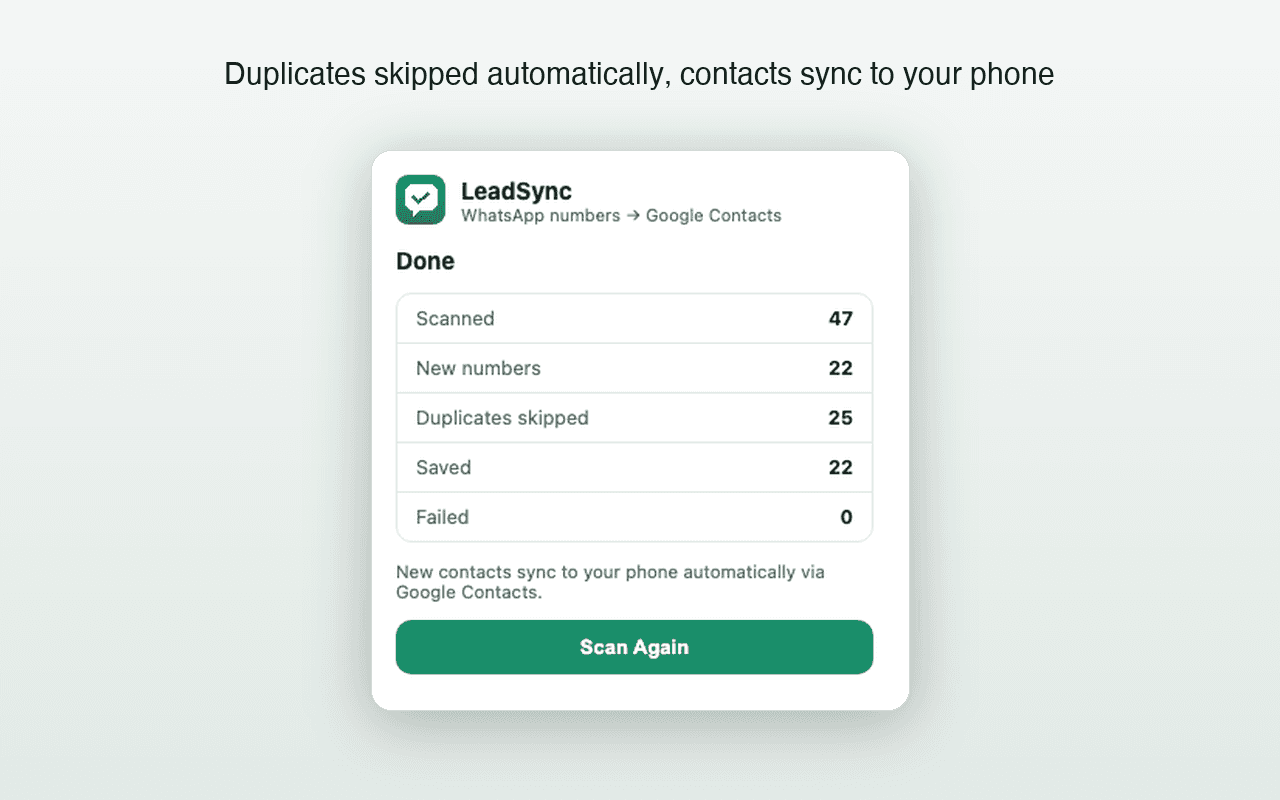
LeadSync reads your WhatsApp Web chat list and writes every unknown number into Google Contacts, which is the one part of a phone migration you cannot do afterwards. First 35 contacts free.
Frequently asked questions
Does WhatsApp store my contacts?
No. WhatsApp reads the address book on your phone and matches numbers to WhatsApp accounts. It has no contact list of its own, which is why a WhatsApp chat backup does not restore contacts and why a new phone with an empty address book shows raw numbers everywhere.
Why did some contacts not transfer to my new phone?
Almost always because they were stored on the old device or its SIM rather than in a cloud account. Device-only and SIM contacts are invisible to Google and iCloud sync, so a new phone signed into the same account never receives them.
What happens to unsaved WhatsApp numbers when I switch phones?
An unsaved number was never a contact, so there is nothing to transfer. The chat may still exist if you restore a chat backup, but the number has no name and no address book entry. Saving those numbers before you switch is the only way to keep them.
Can I move contacts from Android to iPhone without losing them?
Yes. Get everything into a Google account on the Android phone first, then add that Google account to the iPhone as a contacts source. Nothing has to pass through a file, and the same account keeps both phones in step if you use them side by side.
Keep reading
Android
How to Save WhatsApp Contacts on Android (Without Typing Them)
Why Android's contact list is really Google Contacts, how to use that, and the sync settings that decide whether new contacts appear.
iPhone
How to Save WhatsApp Contacts on iPhone Without Typing Them
iOS needs one extra setup step Android does not. Here is the Google account route, the iCloud caveat, and what to check when nothing appears.
Troubleshooting
Google Contacts Not Syncing After a WhatsApp Save?
A practical Android and iPhone checklist for contacts that exist in Google but have not appeared on the phone.